X

Xavier Mobile Device Management

Manage your entire fleet of Apple, Android, and Windows devices from a single console.

A complete MDM platform: zero-touch enrollment, configuration profiles, security and compliance monitoring, app distribution, and remote management, built on the native Apple MDM protocol with Android and Windows support.

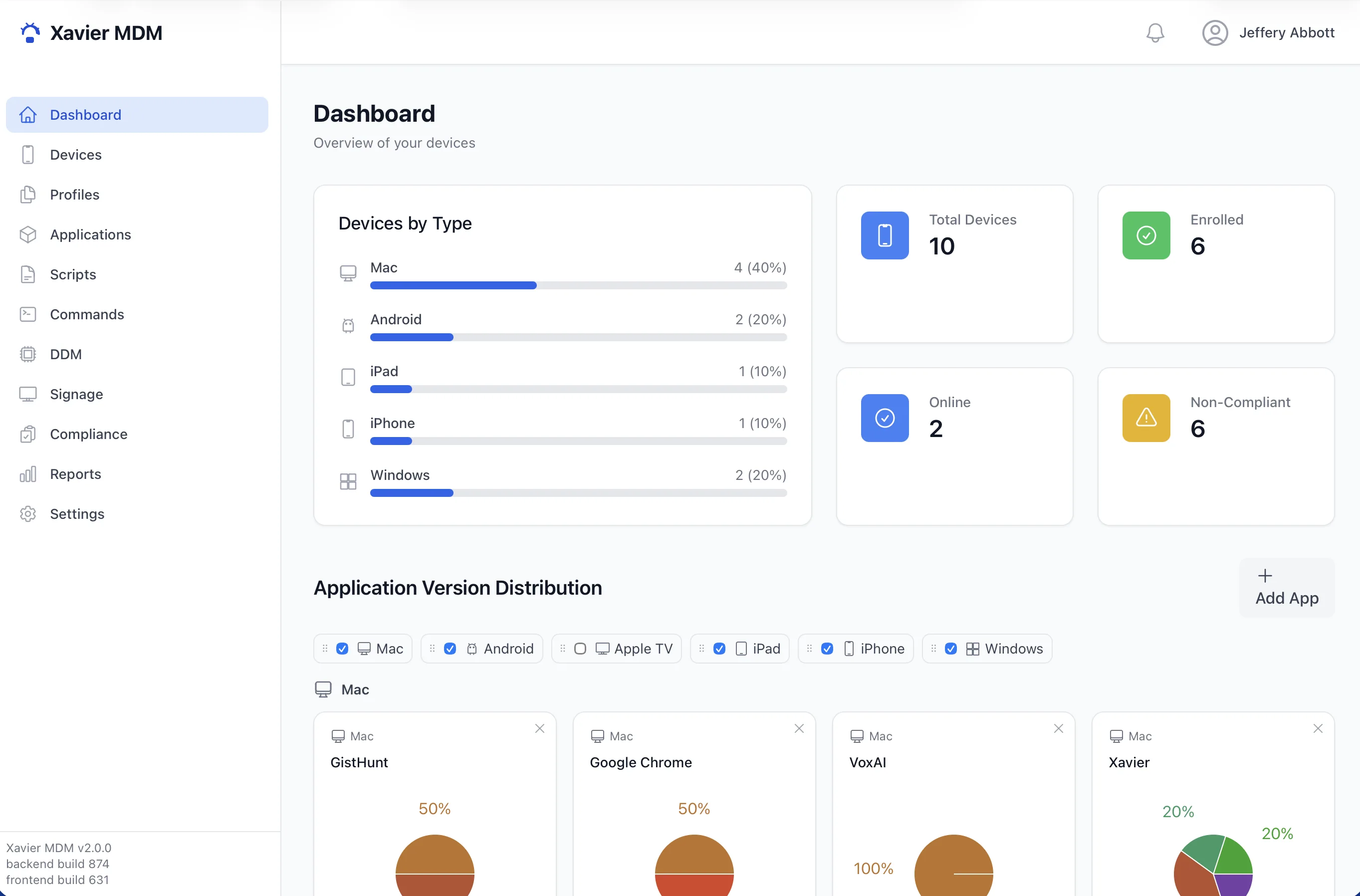
Fleet Overview All systems reporting
128
Enrolled devices
124
Compliant
4
Needs attention
macOS FileVault on, firewall on, up to date
iPad Supervised, signage profile installed
Android Device owner, policies applied

One Console. Every Device.

Xavier speaks the native management protocols of each platform, so you enroll, configure, secure, and monitor Mac, iPhone, iPad, Apple TV, Android, and Windows devices without juggling separate tools.

Everything You Need to Manage a Fleet

🚀

Zero-Touch Enrollment

Devices configure themselves out of the box. Automated Device Enrollment for Apple, QR provisioning for Android device owner, and guided enrollment for Windows.

⚙️

Configuration Profiles

Build and push profiles for Wi-Fi, VPN, restrictions, FileVault, and more with a visual profile builder, plus modern Declarative Device Management.

🛡️

Security Monitoring

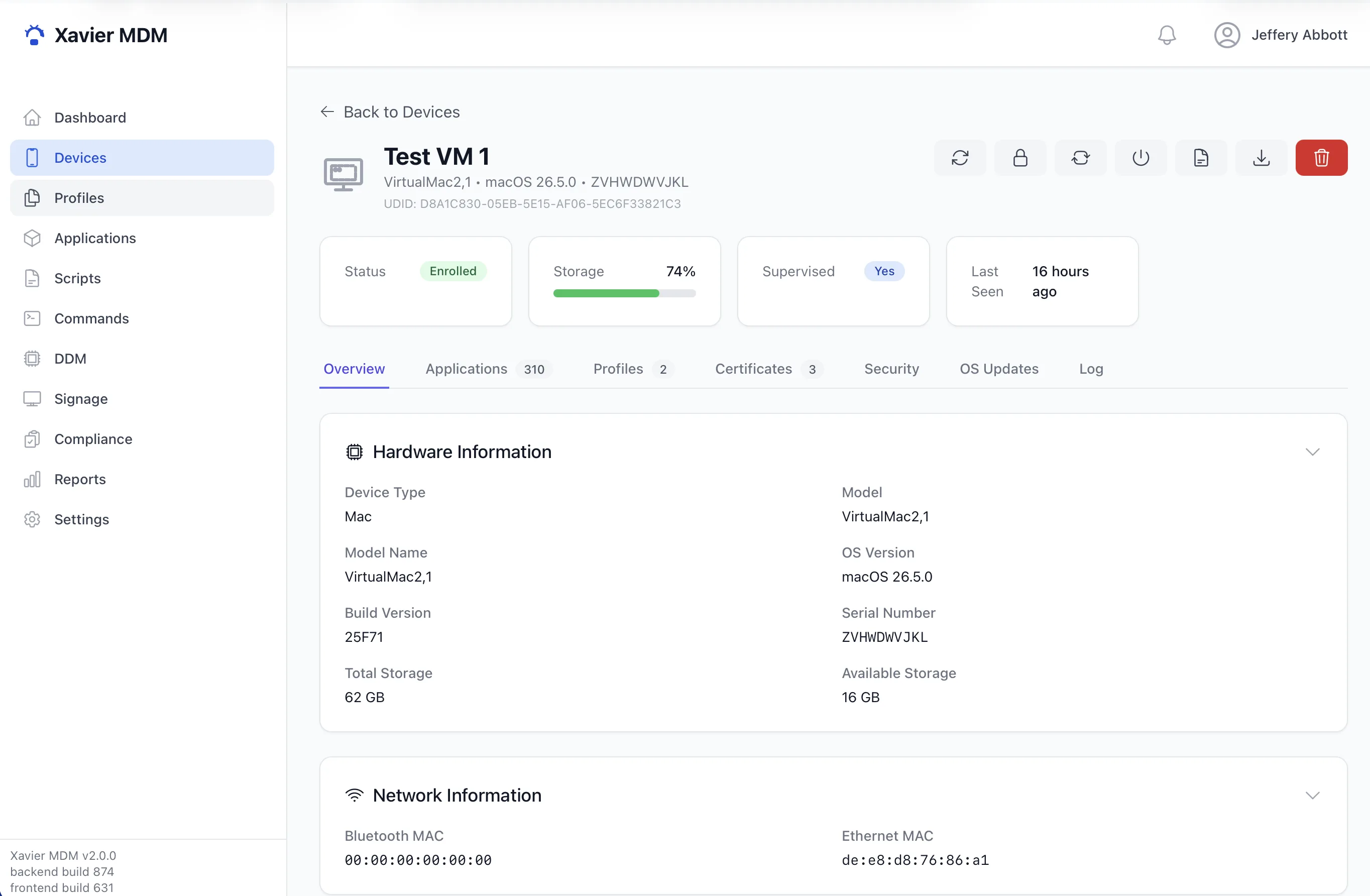
Track FileVault, System Integrity Protection, firewall, Gatekeeper, and Secure Boot status across every Mac, with recovery-key escrow built in.

Compliance Reporting

See which devices meet your policies at a glance. Compliance and activity reports surface drift before it becomes a problem.

📦

App Distribution

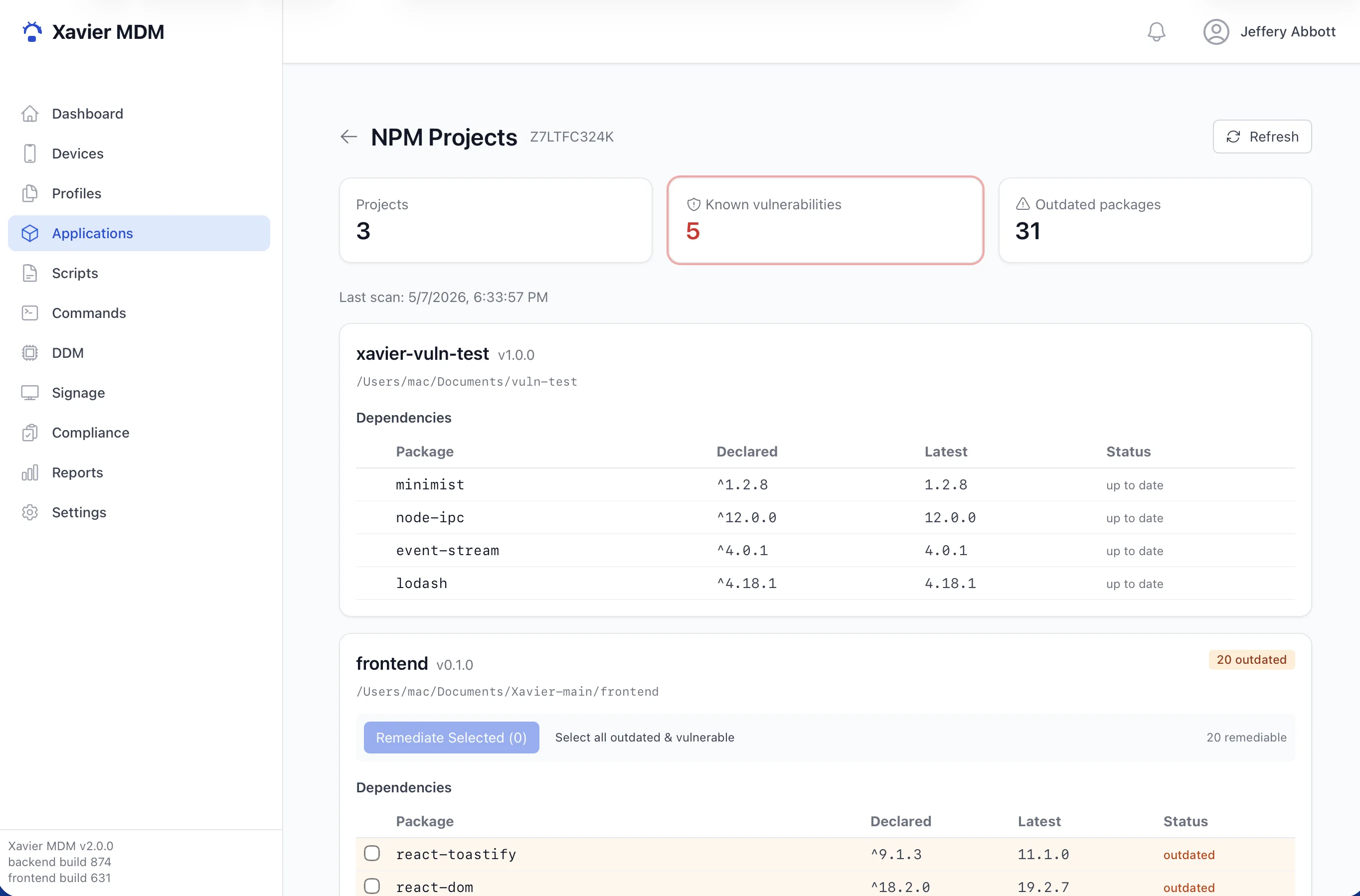
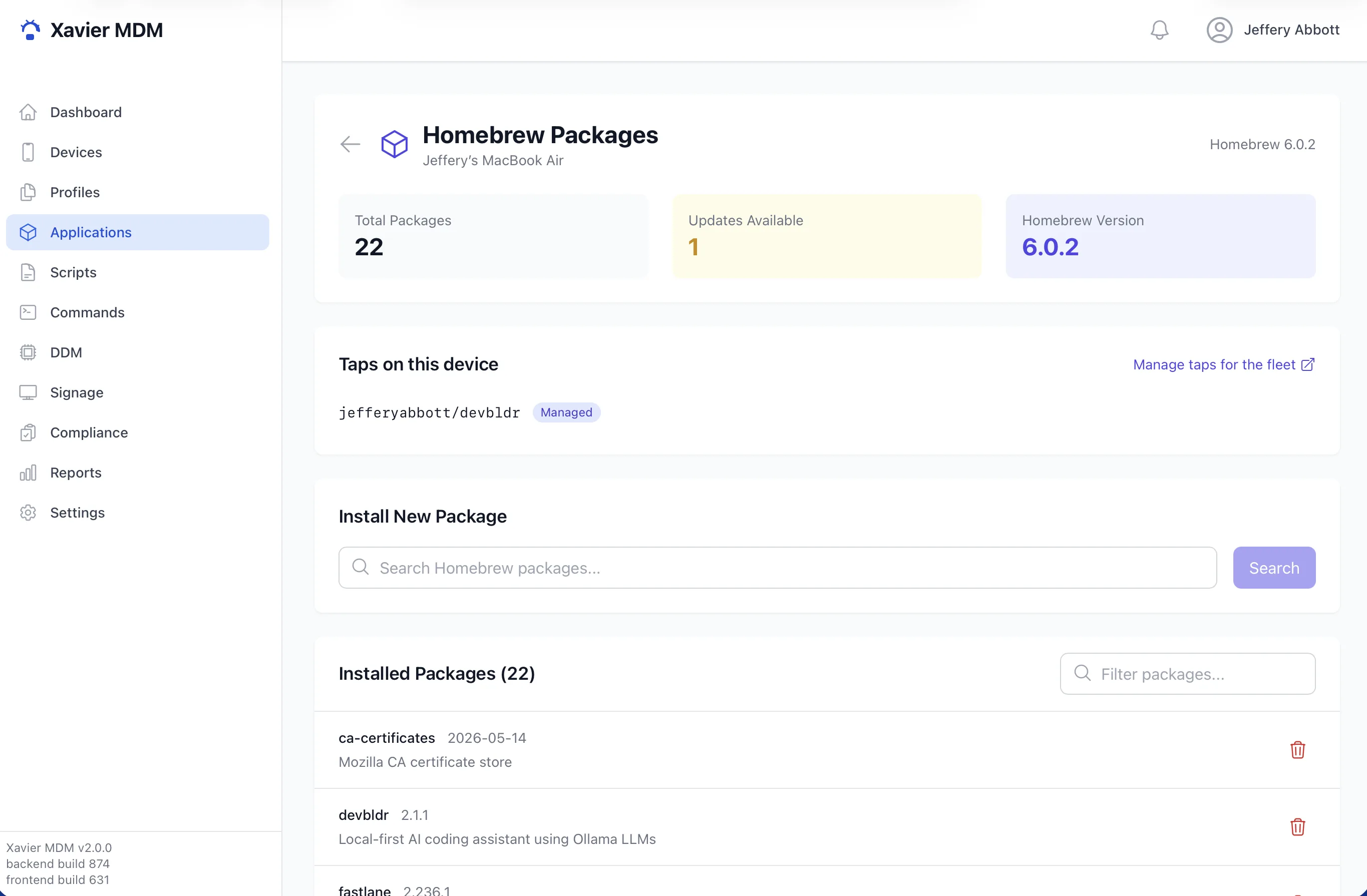
Deploy App Store and volume-purchased apps, push custom packages, and manage Homebrew packages on Mac, all remotely.

💻

Native macOS Agent

A lightweight menu bar app reports inventory, security state, and installed packages in real time, and updates itself in place.

🔐

Certificate Management

A built-in SCEP service issues and renews device identity certificates so enrolled devices authenticate securely.

📡

Remote Commands

Lock, wipe, restart, install, and inventory on demand. Commands stream to devices and report back their results.

🖥️

Digital Signage

Turn managed iPads and Apple TVs into signage displays, pushing content and schedules to screens from the same console.

Built on Native Protocols

Xavier talks to each platform the way the vendor intended, so devices behave predictably and stay supported.

APPLE

macOS, iOS, tvOS

The full Apple MDM protocol with Automated Device Enrollment, supervision, Declarative Device Management, and VPP app licensing.

ANDROID

Device Owner

A standalone Device Owner agent provisioned by QR code, no Google account required, with full policy control over the device.

WINDOWS

Managed Enrollment

Enroll and manage Windows devices alongside the rest of your fleet from the same admin console.

How It Works

From a device powering on for the first time to ongoing day-to-day management, Xavier handles the full lifecycle.

STEP 1

Enroll

A device enrolls through Automated Device Enrollment, a QR code, or a profile. Xavier issues its identity certificate and registers it.

STEP 2

Configure

Profiles, restrictions, and apps deploy automatically. The device arrives at the user already set up and secured to policy.

STEP 3

Monitor

Devices report inventory and security status on a schedule. You watch compliance, run commands, and push changes as needed.

Want to See Xavier in Action?

Reach out for a walkthrough or to talk about managing your fleet.

Get in Touch →
🏠
العربية Català Čeština Dansk Deutsch Ελληνικά English Español Suomi Français עברית हिन्दी Hrvatski Magyar Bahasa Indonesia Italiano 日本語 한국어 Bahasa Melayu Norsk Bokmål Nederlands Polski Português (Brasil) Português (Portugal) Română Русский Slovenčina Svenska ไทย Türkçe Українська Tiếng Việt 简体中文 繁體中文