
Caboose
Turn your Android tablet into a second display for your Mac
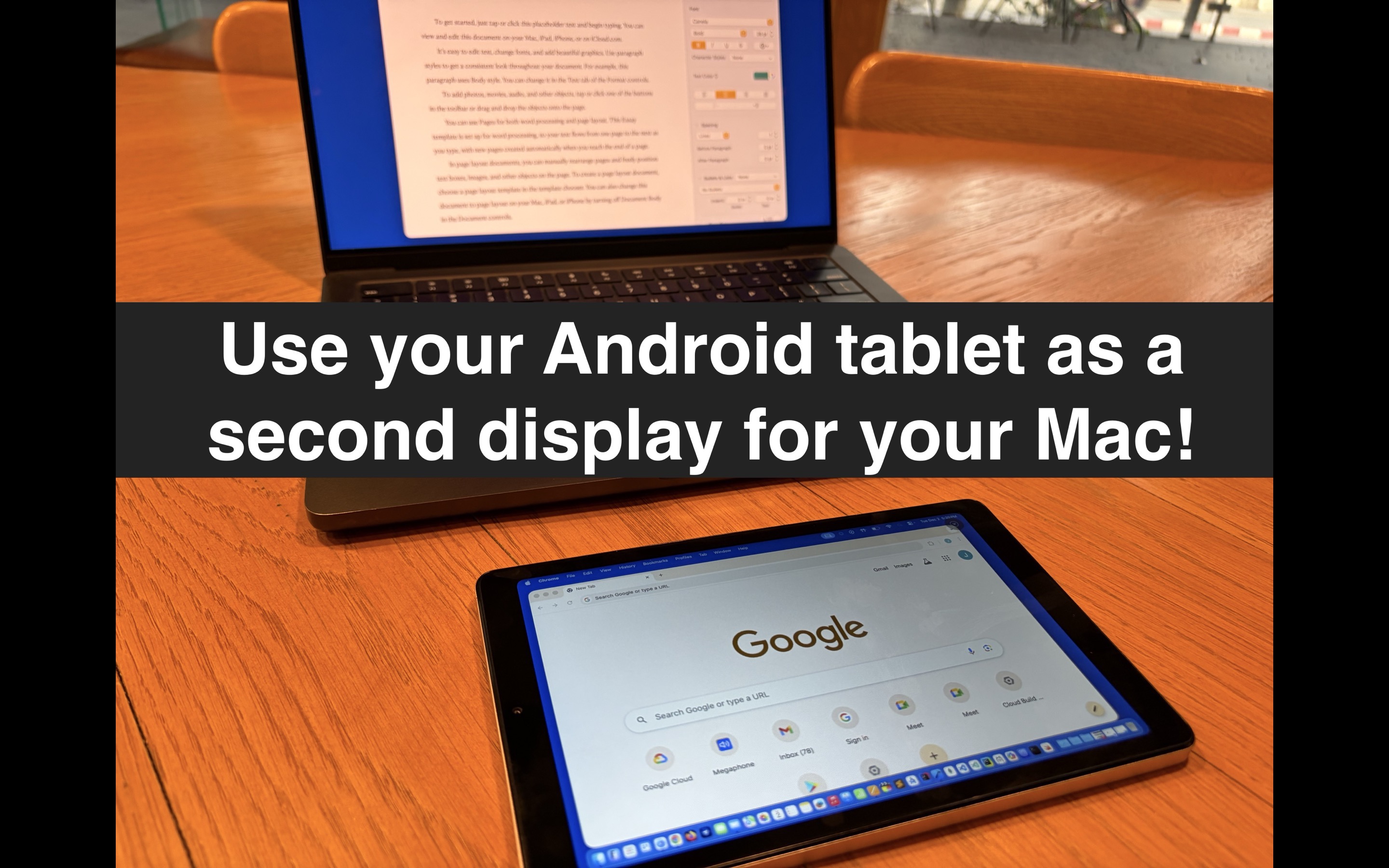
Extend Your Workspace
Whether you need extra screen space for productivity, coding, or creative work, Caboose makes it simple. No extra monitor needed.
Wireless & Wired
Connect via WiFi for convenience or USB for the lowest latency. Choose what works best for your setup.
Automatic Discovery
Your Mac and Android device find each other automatically on the same network. No manual configuration needed.
Touch Input
Use your tablet's touchscreen to interact with your Mac. Click, scroll, and navigate naturally.
Low Latency Streaming
Optimized H.264 video encoding ensures smooth, responsive display mirroring with minimal delay.
How It Works
Download Caboose on your Mac and the companion app on your Android tablet.
Launch Caboose from your Mac menu bar to start the display server.
Select your Mac from the list on your Android device.
Your extended display is ready. Drag windows over and boost your productivity.
Requirements
macOS 14.0 or later | Android 8.0 or later
Same WiFi network or USB cable for connection
Try It Free
Caboose includes a 7-day free trial. After the trial, a one-time in-app purchase unlocks the full app forever.
Download
Mac App

Android Client

Perfect for developers, designers, writers, and anyone who needs more screen real estate without the cost of an additional monitor.